OPTUM GX
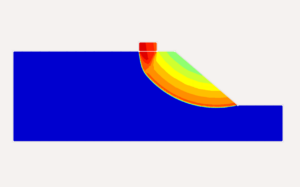
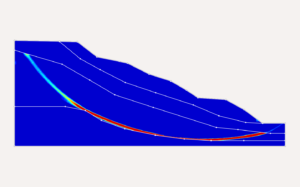
Geotechnical Analysis Software for Accurate 2D & 3D ModellingOPTUM GX is geotechnical software for engineers who need reliable 2D and 3D analysis and modelling of soil–structure interaction. Use it as geotechnical analysis software for foundations, excavations, retaining walls, embankments, slope stability and seepage — with advanced FEM/FELA methods that help you understand failure mechanisms and design with confidence.
With seamless 2D → 3D workflows, automation options (Python scripting), and fast reporting, OPTUM GX supports geotechnical risk assessment by enabling scenario testing, safety factor evaluation, and clear documentation of design assumptions and results. Start a free trial to explore the full workflow and validate your typical project cases.
What Geotechnical Software can do
Geotechnical engineering software helps professionals model soil and structure interactions, simulate pore pressures and stresses, and perform stability and deformation analysis with high accuracy. Modern tools support geotechnical modelling workflows and provide quantitative assessment of stability, deformation, and failure mechanisms. These analyses are typically based on finite element and limit analysis methods.
Applications
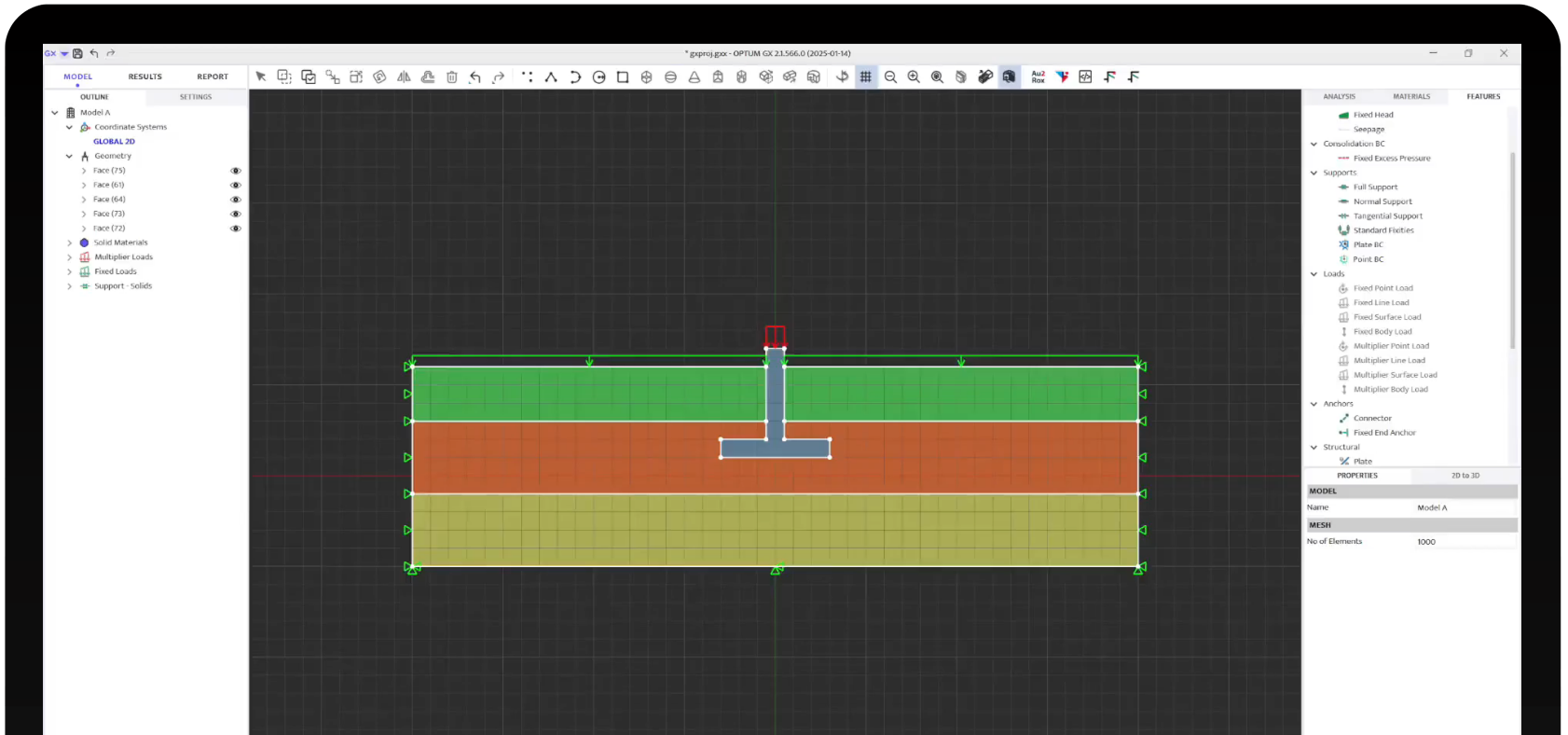
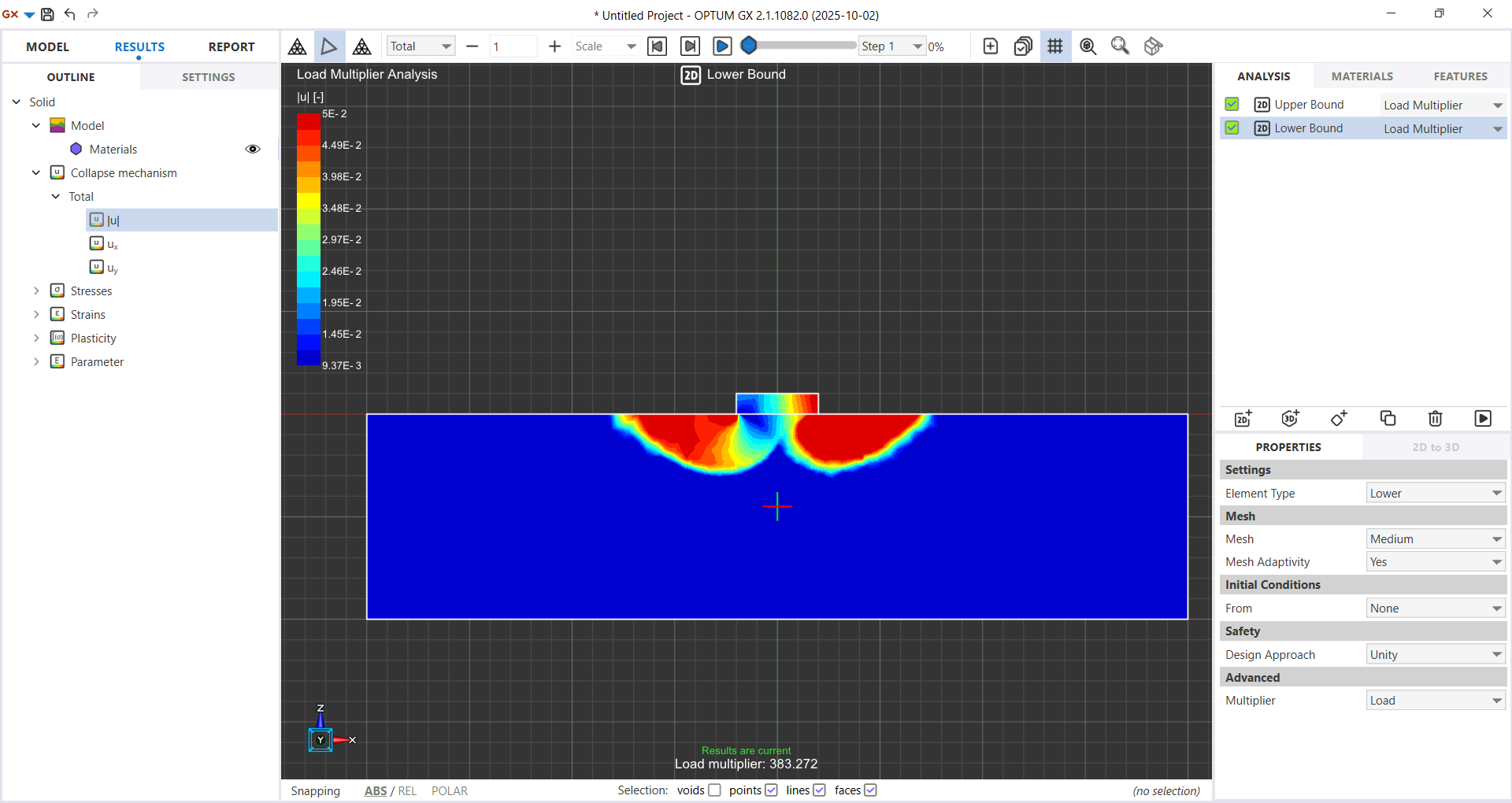
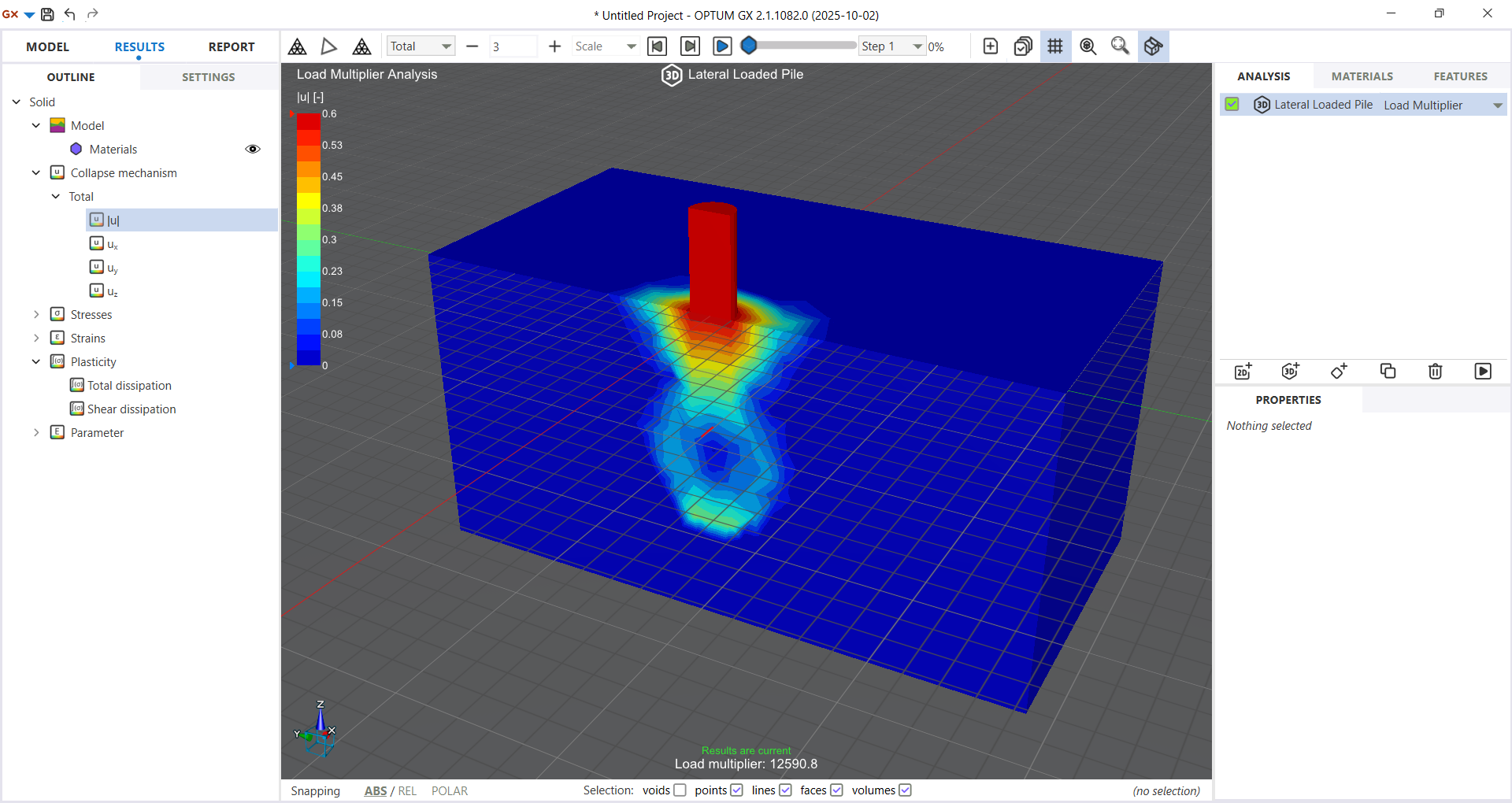
Foundations (2D & 3D)
Key Features



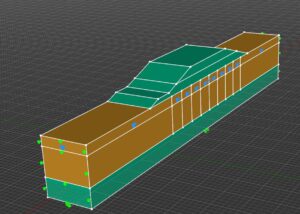
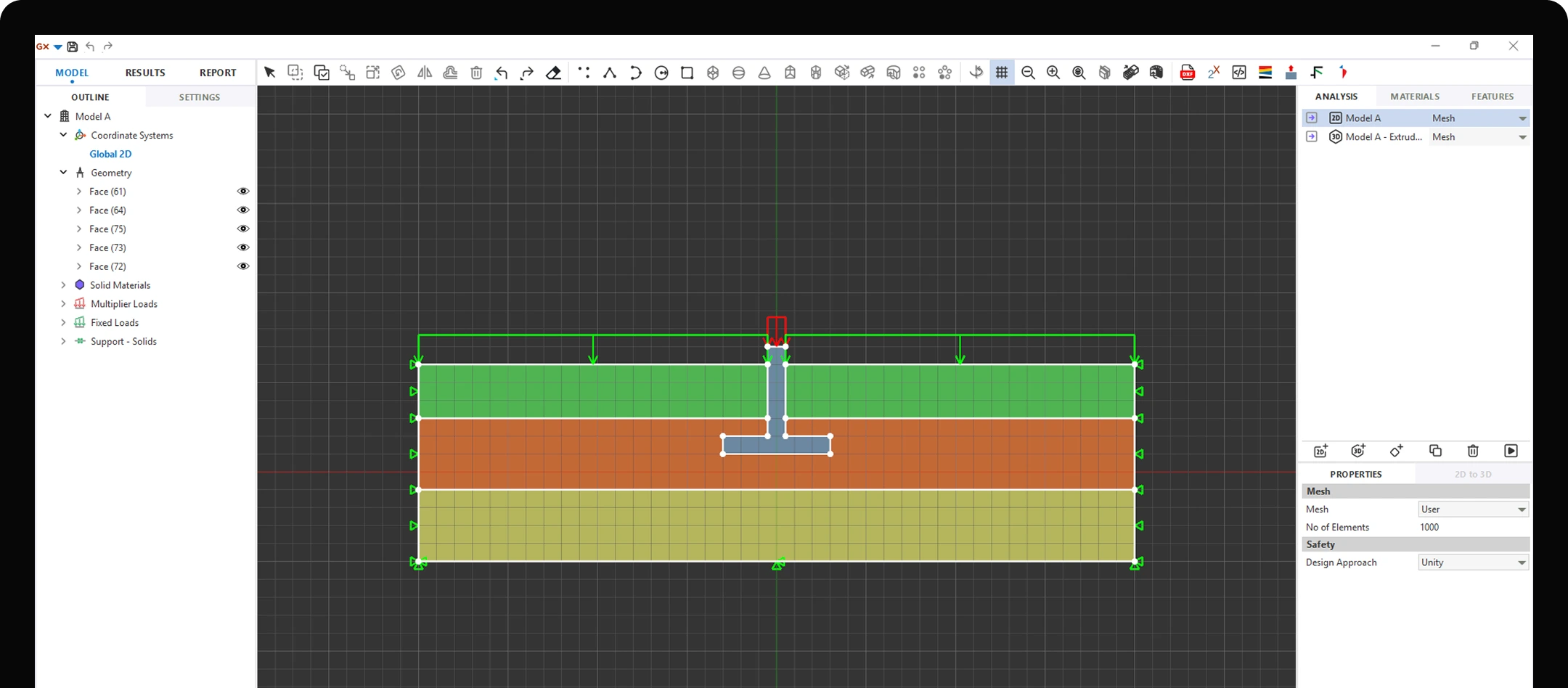
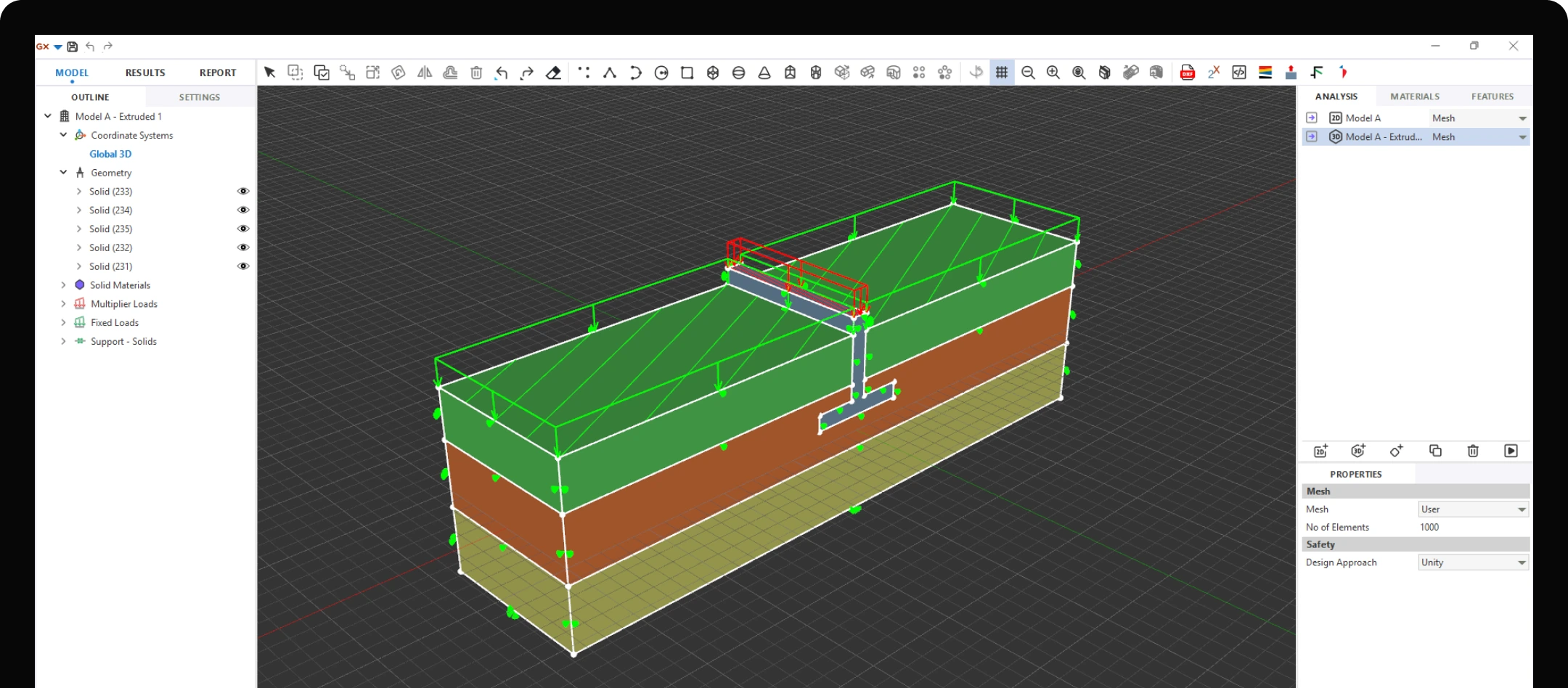
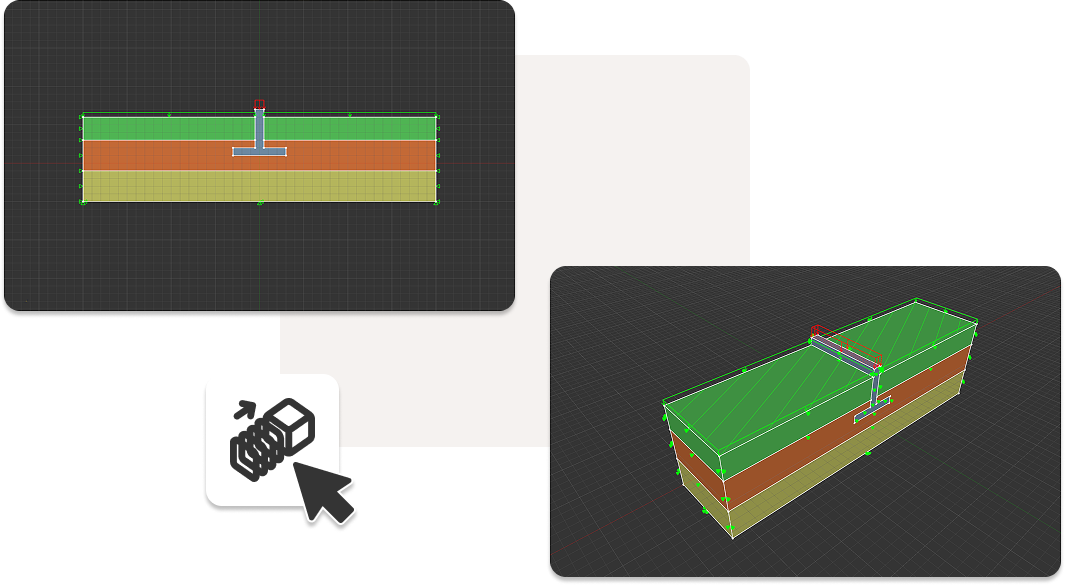
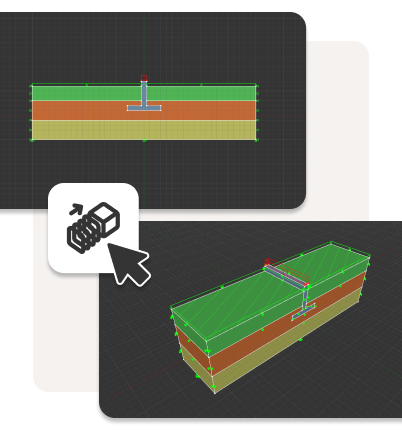
From 2D to 3D in one click
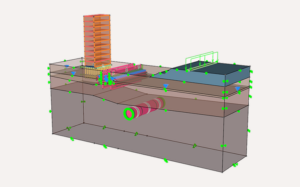
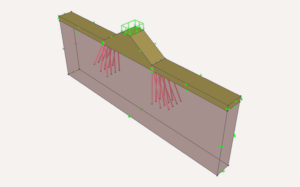
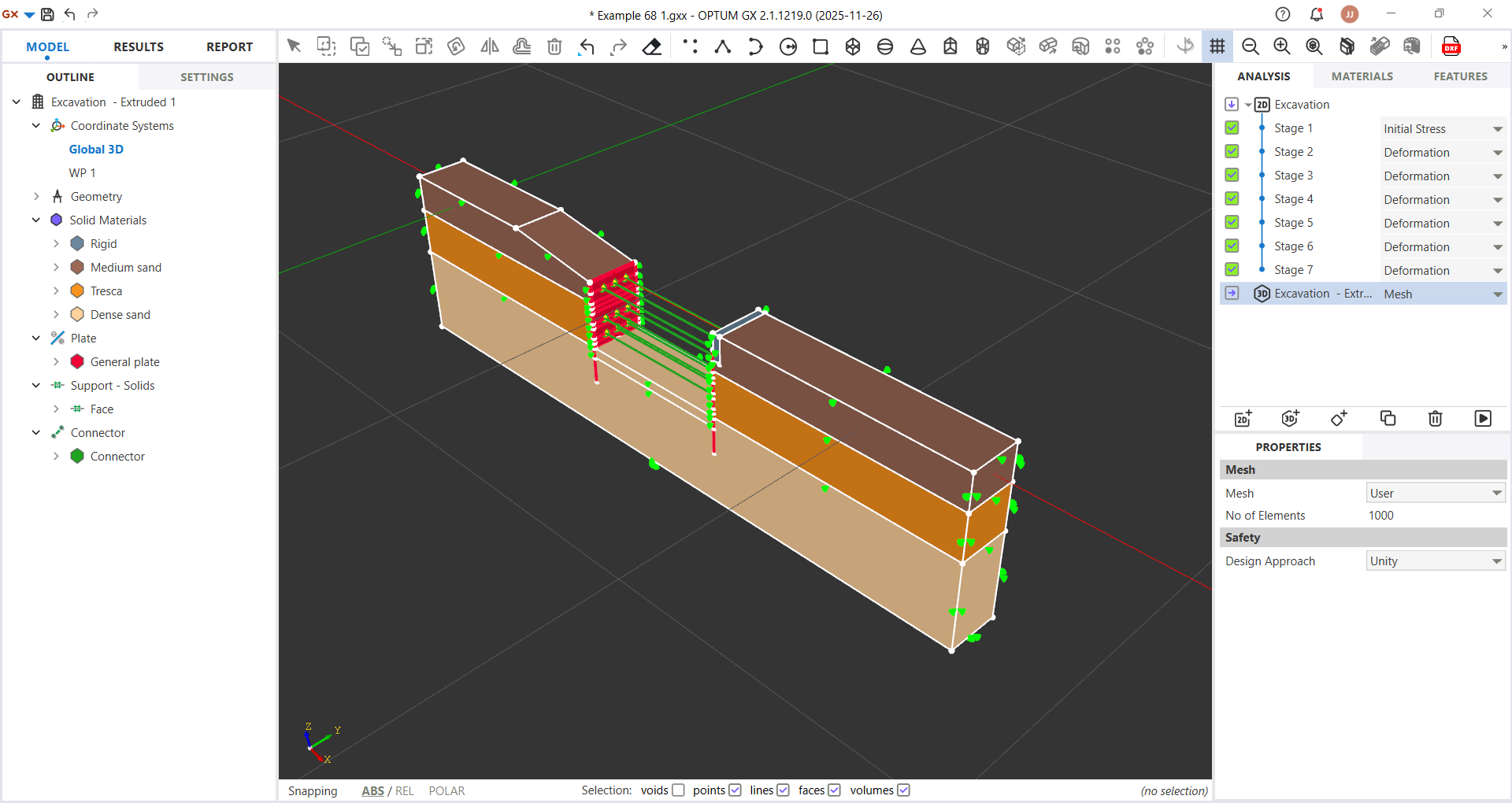
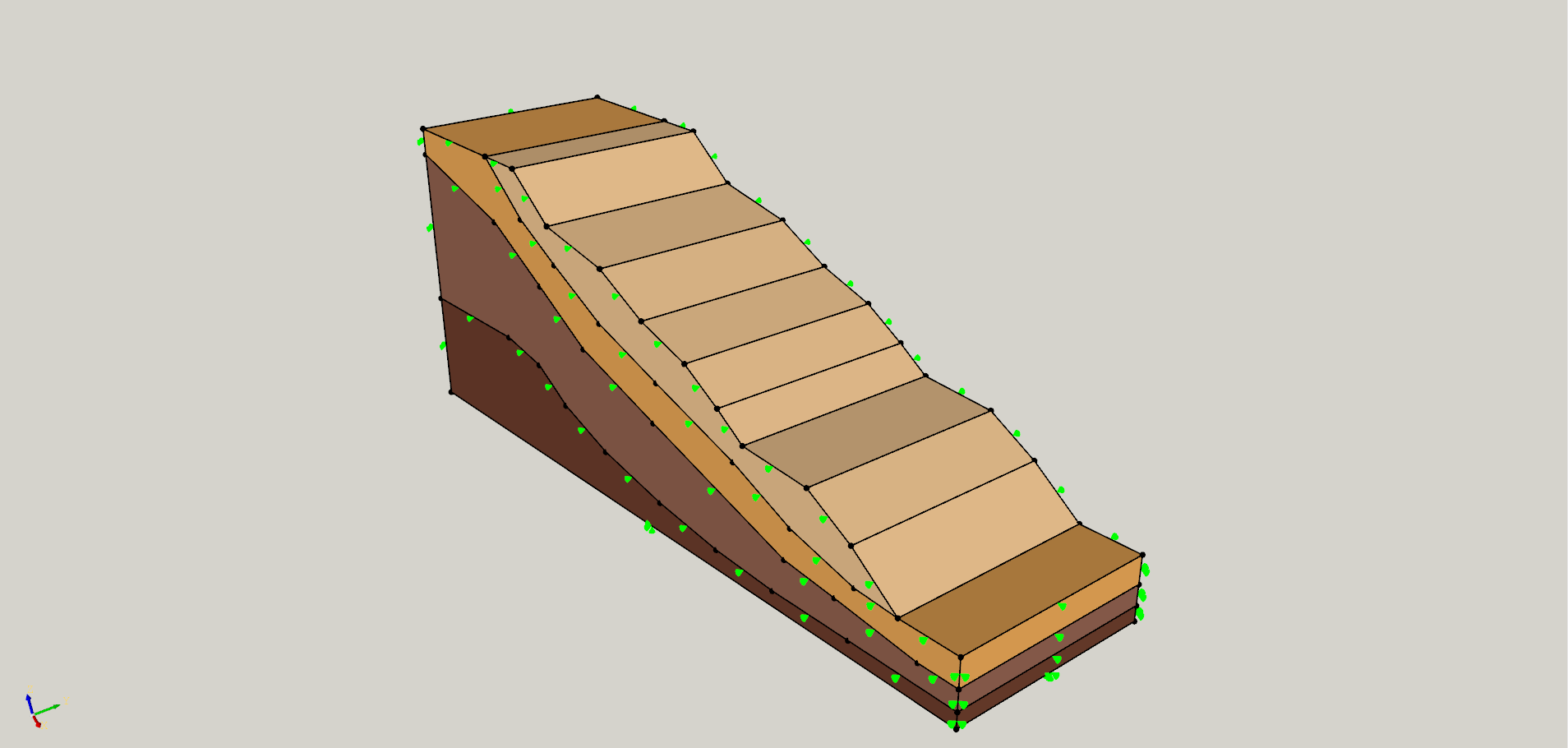
Many geotechnical problems can largely be considered 2D, but certain features make a purely 2D approximation inaccurate, for example, a pile-reinforced slope or a square foundation on a retaining wall. While the overall geometry can often be treated as 2D, these additional elements — such as pile rows and square foundations — make the problems inherently 3D.
To achieve the most accurate representation of reality and ensure reliable results, 3D modeling is essential. Validate critical cases in 3D to reduce geotechnical design risk and improve confidence in assumptions
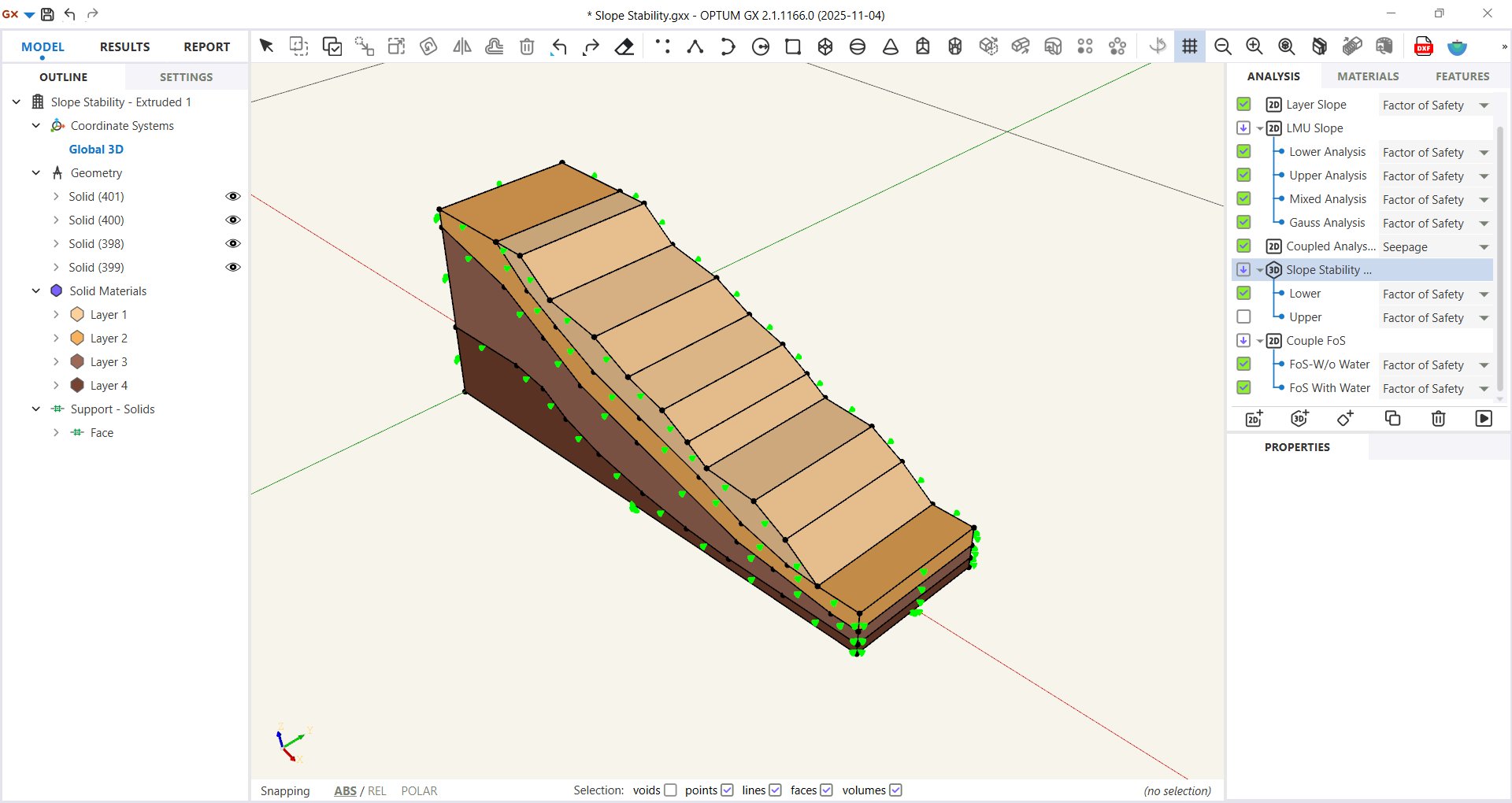
With OPTUM GX, you can model the overall geometry in 2D and seamlessly extrude it into 3D, adjusting as needed. That means you can quickly validate your 2D model, design with confidence, and save a lot of time — all at once.
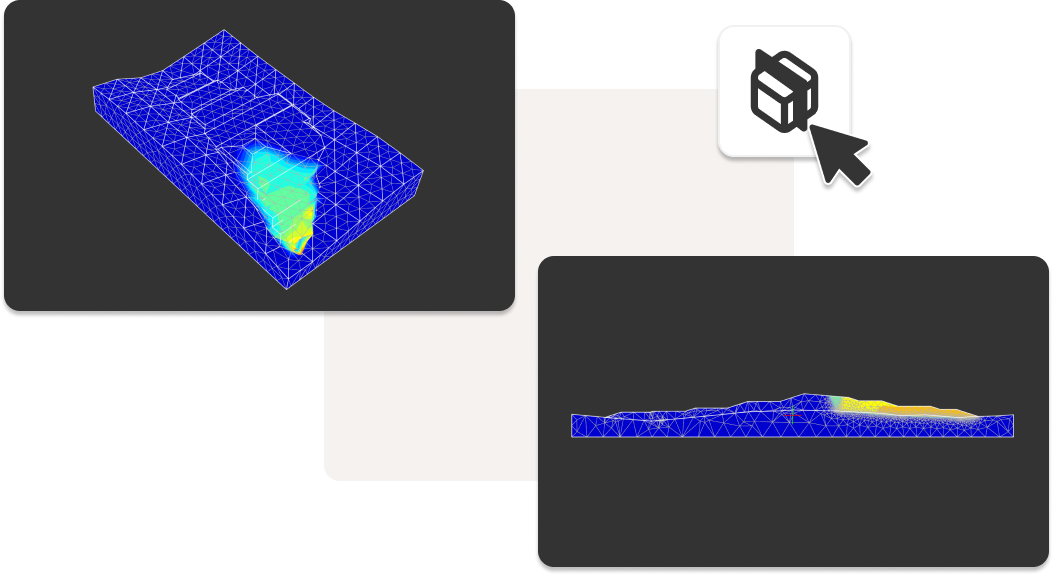
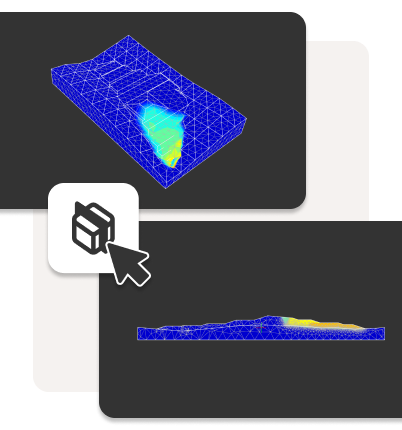
Extract 2D sections from complex 3D models
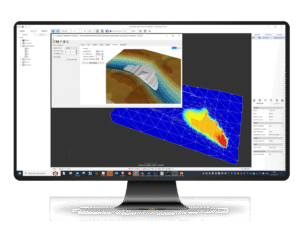
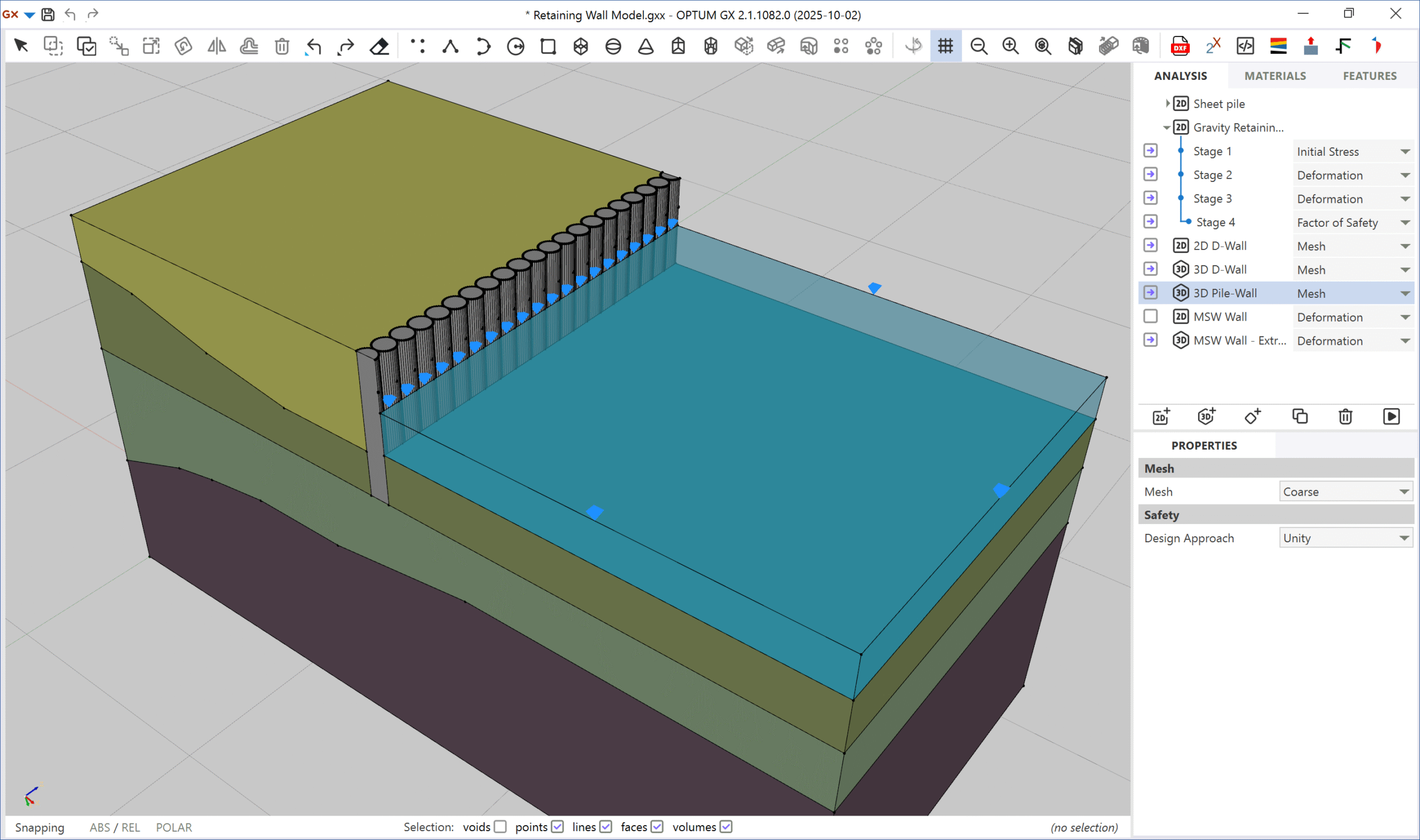
And it works the other way, too. If you’re working on a large 3D model with complex geometry, you may want to analyse specific sections in more detail, for example, to evaluate Factor of Safety.
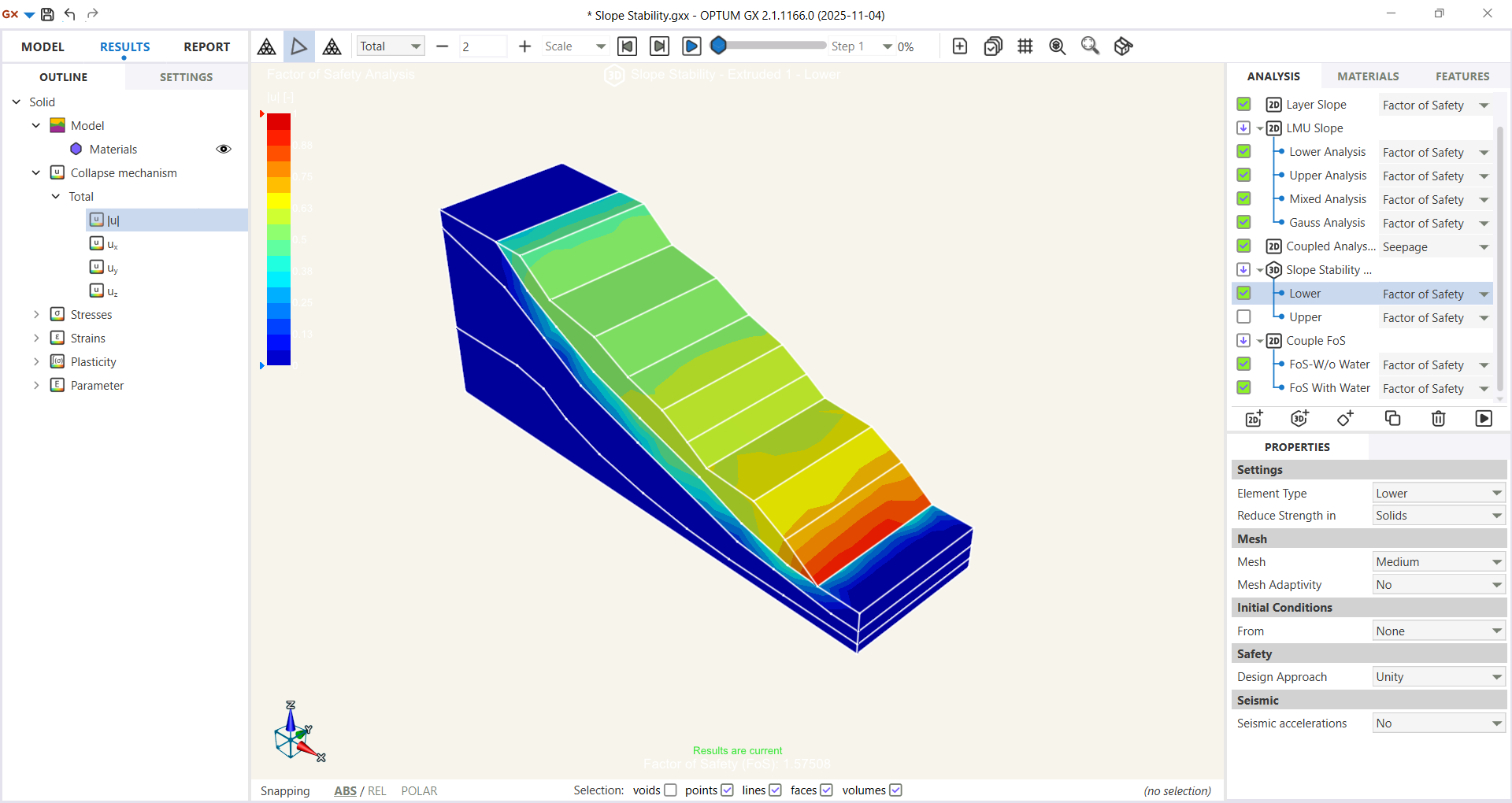
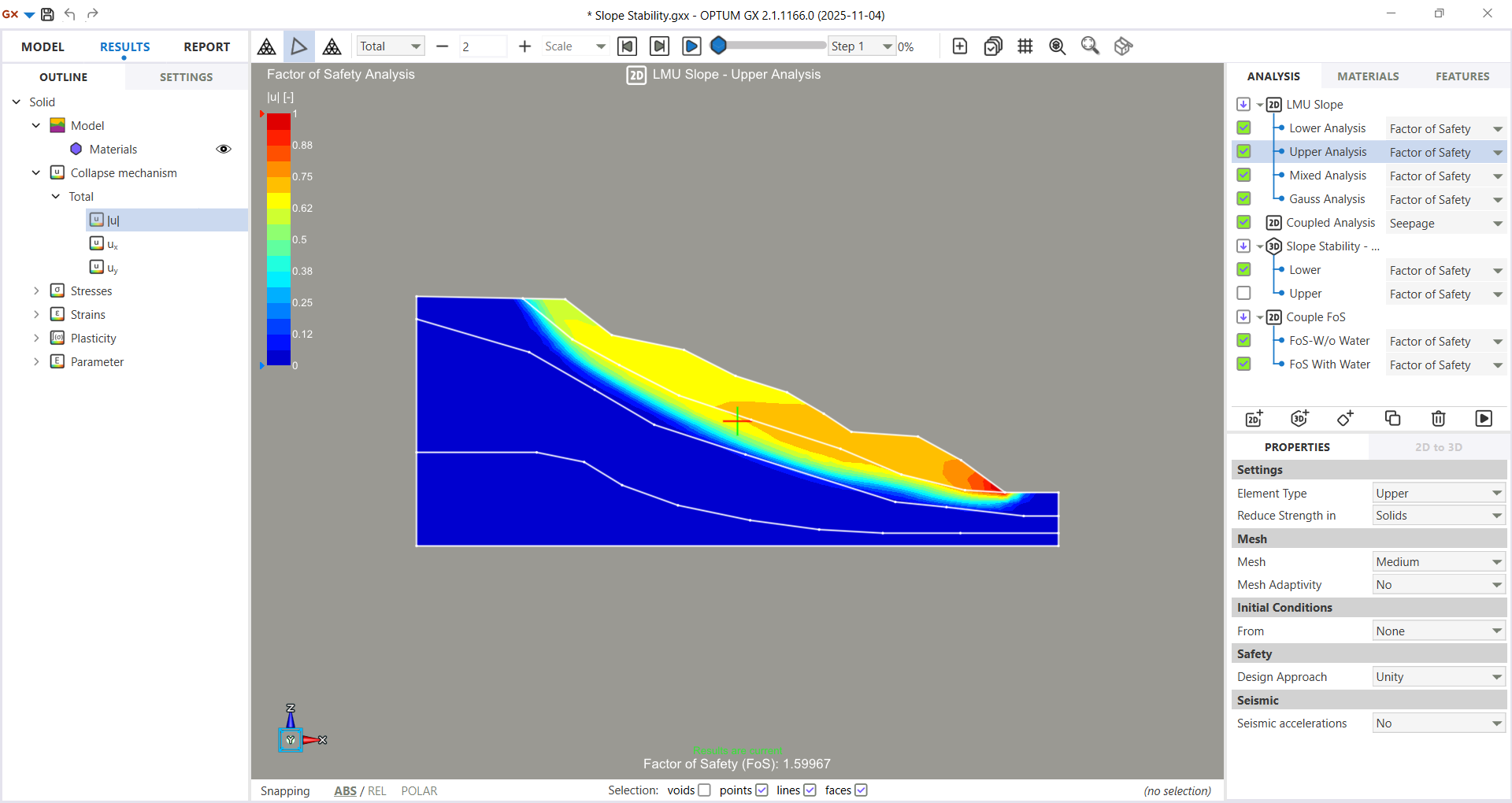
With OPTUM GX, you can instantly extract 2D cross-sections and analyse them using standard plane strain methods.
This allows for fast and reliable sectional analysis — and it's an invaluable tool for quality assurance of complex 3D models.
Python Scripting
Tired of the repetitive grind of setting up geotechnical models with only minor parameter variations? We get it. Reconfiguring the same problem again and again wastes valuable time and breaks your workflow. That’s why we developed a smarter solution that transforms the way engineers handle model setup.
The OPTUM GX plugin for Python lets you automate your project setup — from geometry and materials to loads and boundary conditions — all directly from your script. No more repetitive manual input for every new iteration.
Need even more control?
GX supports custom scripting and automation, allowing advanced users to build tailored solutions, specialized workflows, or even full custom applications — all within the Optum environment.
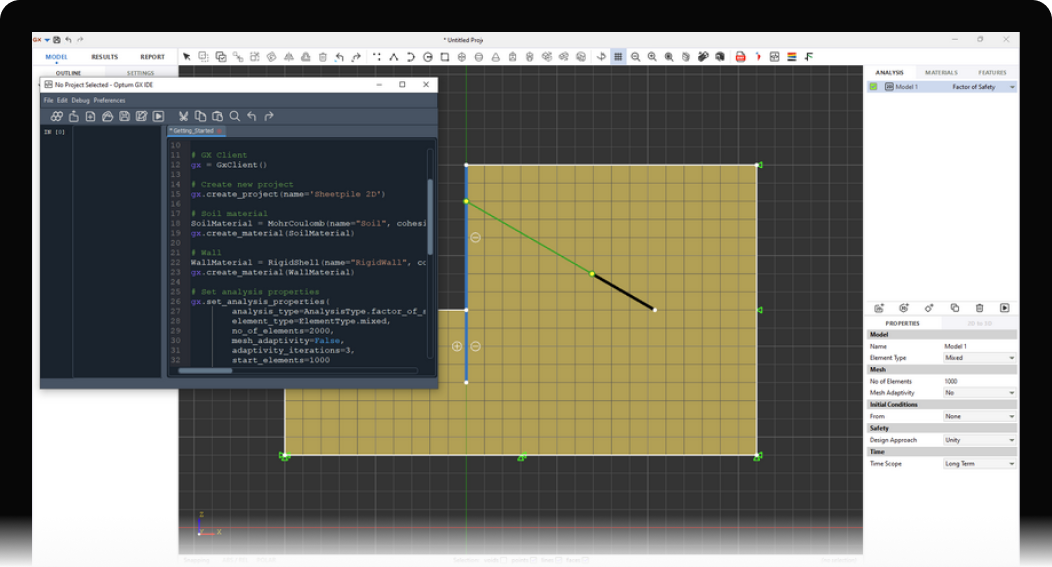

Automate repetitive tasks: Quickly generate multiple project variants without rebuilding from scratch.
- Work faster, with fewer errors: Streamline your workflow and reduce the risk of manual setup mistakes.
- Accelerate iteration and optimization: Make quick modifications and rerun models with ease — perfect for parameter studies and design exploration.
“A past project required 3,000 hours to design 50 berms.
With Au2Rox™ 2.0 in auto mode, the same design was completed in just 3 hours — demonstrating a time-saving factor of 1,000 while using the custom plugin feature in OPTUM GX.”
Reporting & Documentation
Tired of spending hours manually documenting your projects? OPTUM GX automates reporting — saving engineers valuable time and ensuring consistent, high-quality documentation.
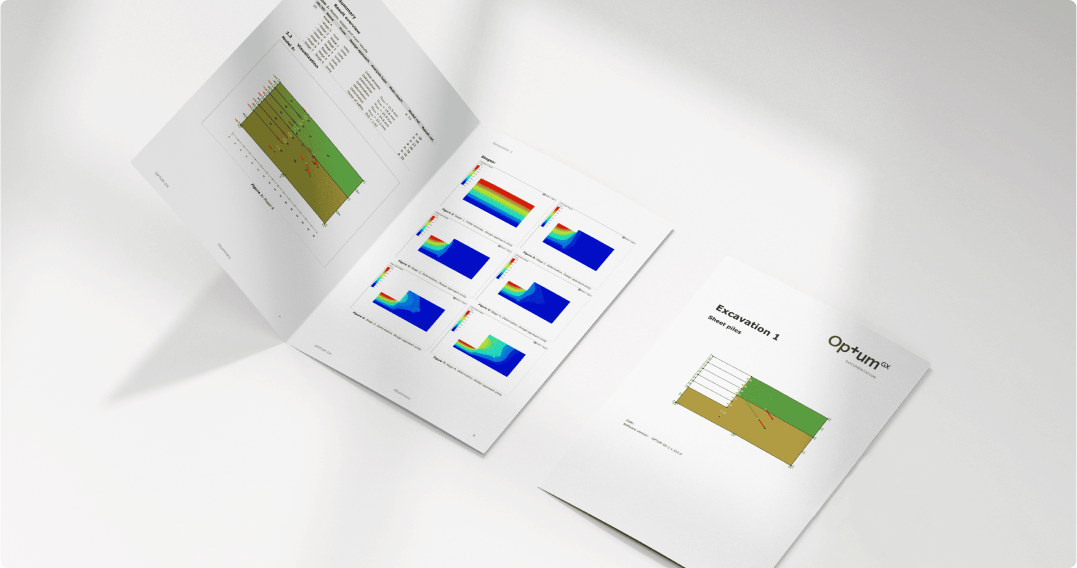
The built-in reporting module lets you generate clear and comprehensive reports in just a few clicks.
Each report can be customized and typically includes:
Geometry sketches
Material data tables
Construction stage sequences
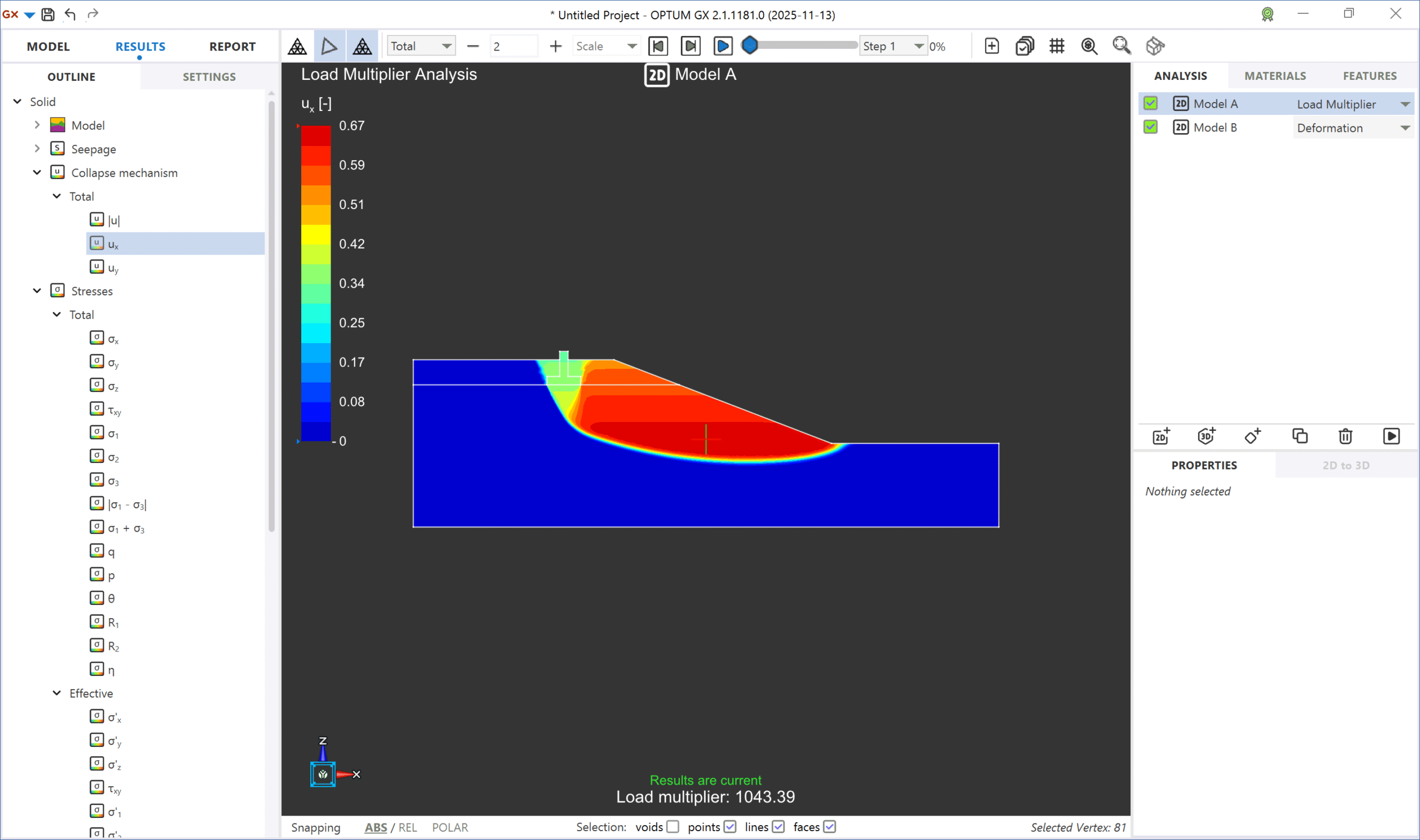
Key results such as deformation plots, force diagrams, and collapse mechanisms
- Clear documentation for stakeholders and approvals



OPTUM GX combines FEM and FELA
Geotechnical projects are becoming more demanding — with tighter deadlines, stricter documentation requirements, and increasing geological risks. Engineers are asked to design for complex conditions with minimal investigation, while still guaranteeing safety and serviceability.
In this context, simplified methods like LEM can no longer keep up. Assumptions about failure surfaces and soil behavior may lead to overconservative designs — or worse, an underestimation of risk. As geotechnical analysis software, OPTUM GX uses FEM/FELA methods that can reduce reliance on assumed slip surfaces. FEM and FELA provide a more realistic picture by simulating how structures deform and fail under load.

The difference briefly
Limit Equilibrium (LEM): Assumes a failure surface and checks if forces or moments are balanced. Fast, but relies on simplifications.
Finite Element Method (FEM): Simulates stress, deformation, and pore pressure — without assuming failure surfaces.
Finite Element Limit Analysis (FELA): Calculates the true failure load using material strength and plasticity theory — with no need to assume how failure occurs.

Safety factors from Upper, Lower, and Mixed Limit Analysis
Strength Reduction analysis for deformation and serviceability
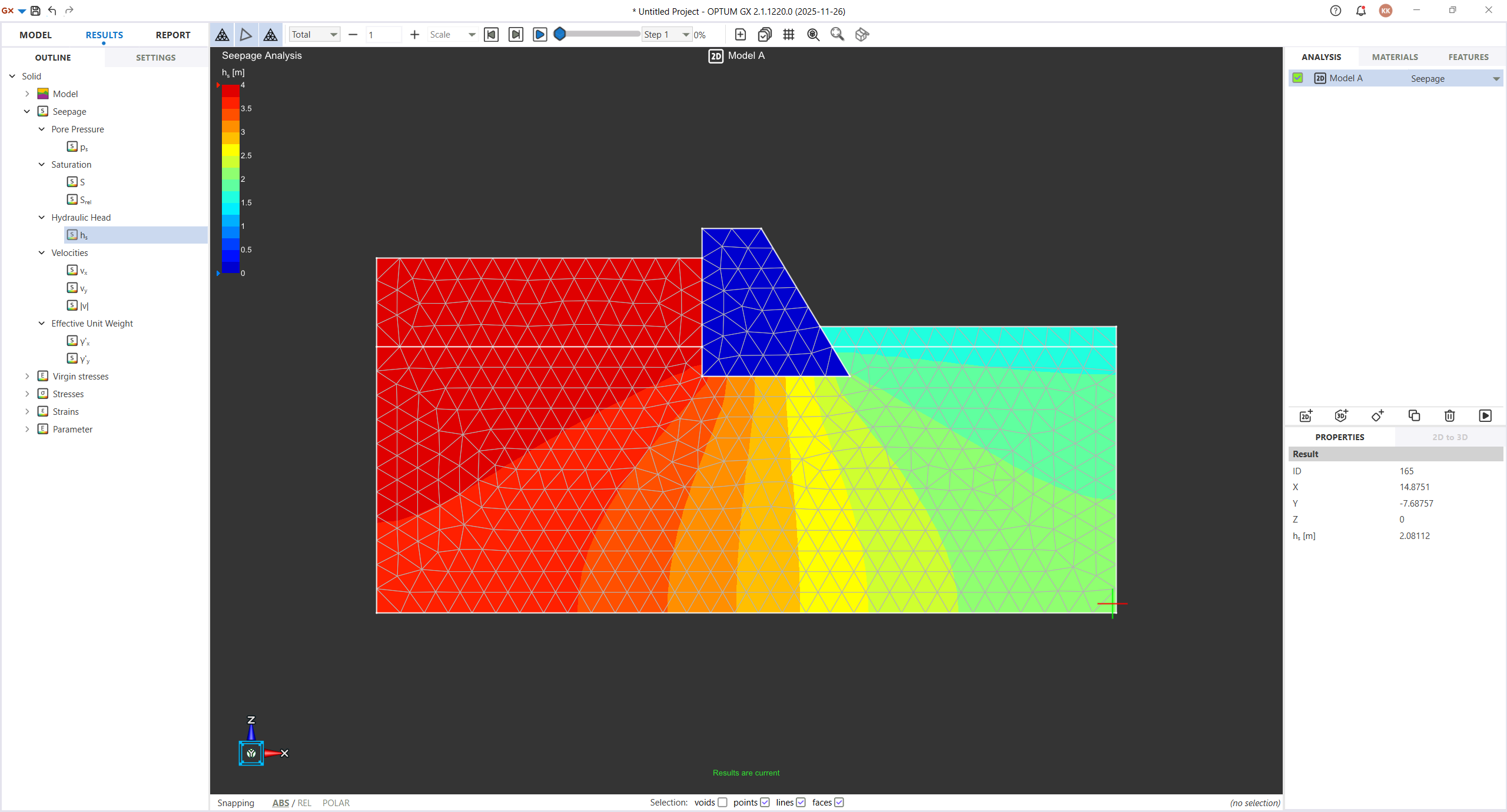
Coupled seepage–deformation models (steady and transient)
Accurate modelling of complex soil–structure interactions
Why OPTUM GX Stands Out
Always converges – no mesh convergence issues or manual tweaking
2D and 3D in one – convert with a click, no rework
FEM-only workflow – fewer iterations, no assumptions, no workarounds
Mixed Elements – hybrid formulation delivering fast, precise failure loads
Python scripting – for automation, batch runs, parametric studies
Automated reporting – generate PDFs in seconds
Adaptive mesh refinement – precision where it matters most
OPTUM GX vs Other Geotechnical Software
Other tools such as PLAXIS, GEO5 or RS2/RS3 combine LEM with FEM or split 2D and 3D into separate programs. OPTUM GX offers a single FEM-only environment, where failure modes emerge naturally and designs are always stable — no back-and-forth, no duplicated modelling, no assumptions.
With OPTUM GX, engineers get results faster, document them instantly, and work more efficiently — all with higher confidence.
Pricing
Plane strain and axisymmetry (2D)
3D solid modeling
Steady state groundwater flow
- Extensive library of constitutive material models, covering from soft clay to weathered rock
Limit analysis and elastoplastic analysis
Python scripting
SI and Imperial units
Everything included in BASIC
Full 3D analysis and design
Time dependent groundwater flow in 2D and 3D
Fully coupled flow deformation analysis
Frequently ASked Questions
Can’t find what you’re looking for? Contact us here.
Articles
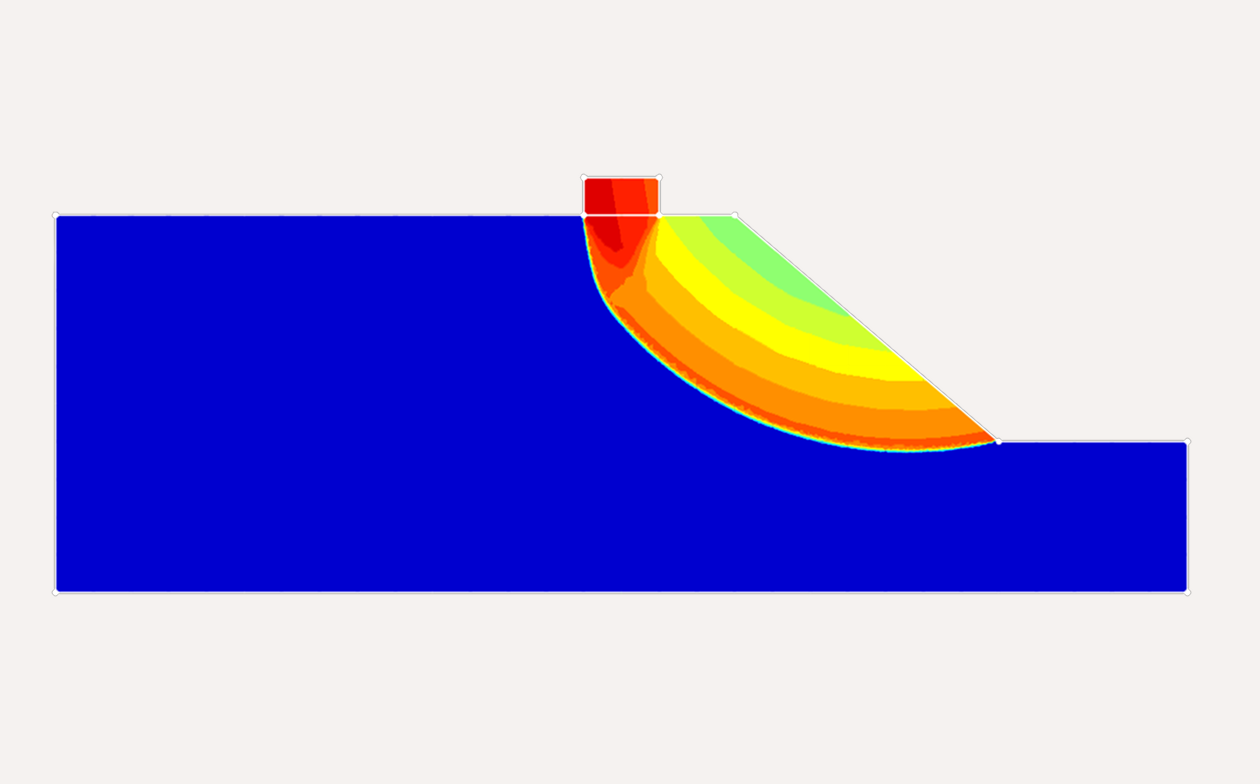
Designing and Analyzing Foundations on Hilly Slopes
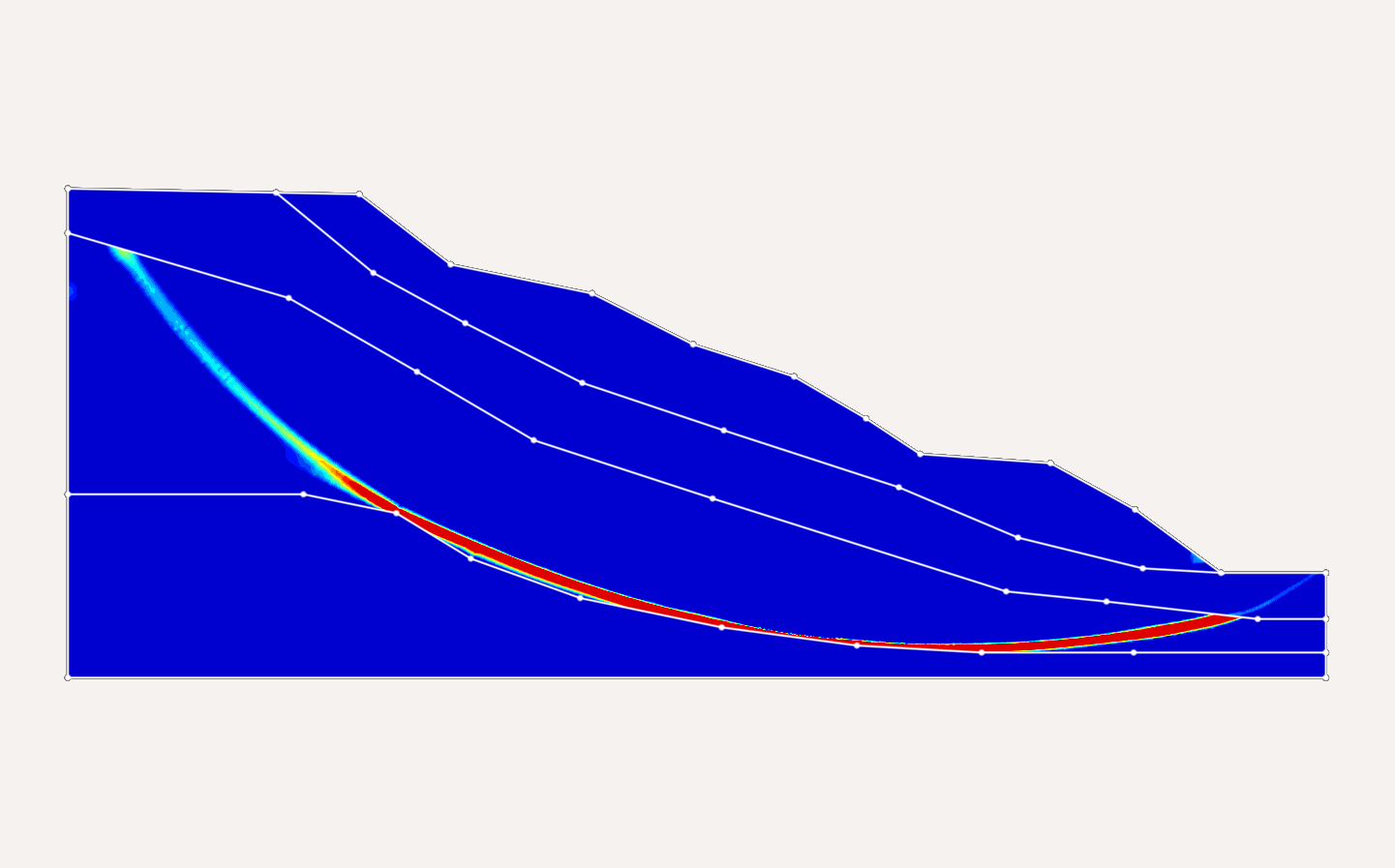
Advanced Slope Stability Assessment through Reliability Analysis in OPTUM GX
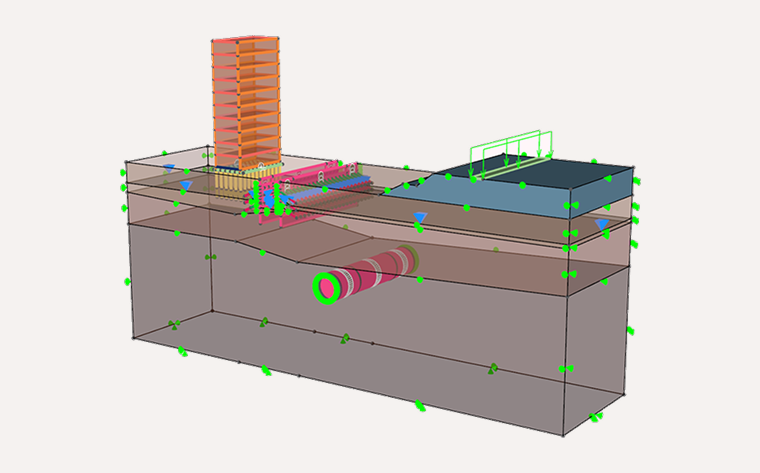
What is Finite Element Analysis?
Stay Informed with Optum's newsletter!
Join our mailing list to be among the first to hear about:

Software updates

Webinars

Upcoming events

Special deals