December 8, 2025
Excavation Software for Efficient Earthworks
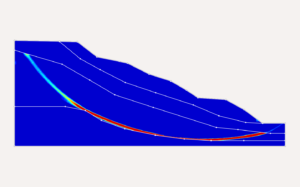
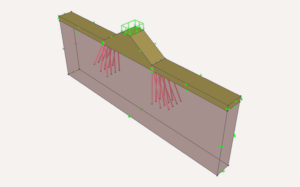
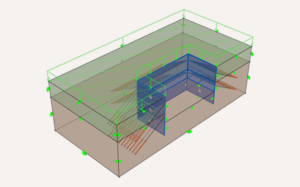
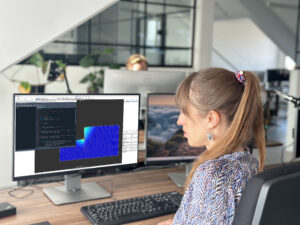
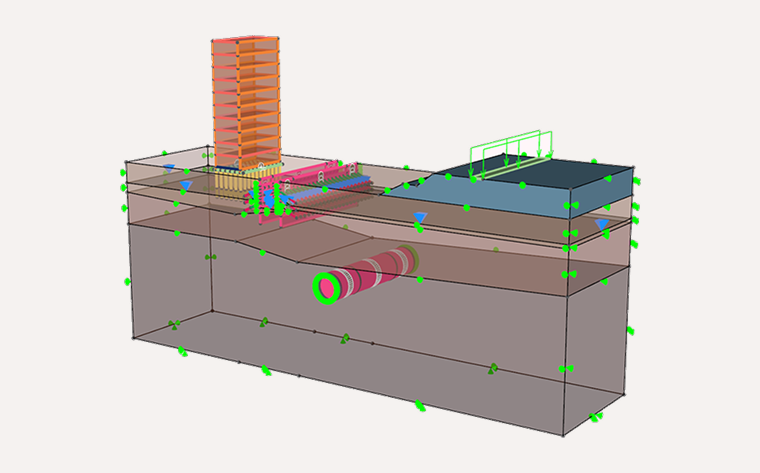
Excavation software lets engineers plan, model, and analyse earthworks safely, accurately, and with full control over soil behaviour. OPTUM GX takes this further by combining advanced FEM and optimisation-based analysis in one environment — allowing you to design excavations, tunnels, and support systems with confidence.
Whether you work on urban basements, deep cuts, shafts, or NATM/TBM tunnels, OPTUM GX gives you the tools to model complex staging, groundwater effects, and soil–structure interaction without numerical frustration.
Why OPTUM GX for Excavation?

Advanced Excavation Modelling
Capture soil layers, excavation geometry, support systems, groundwater, and staged construction in a single workflow — with reliable FEM/FELA analysis.Tunnel Excavation Made Simple
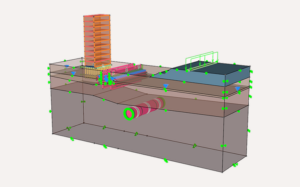
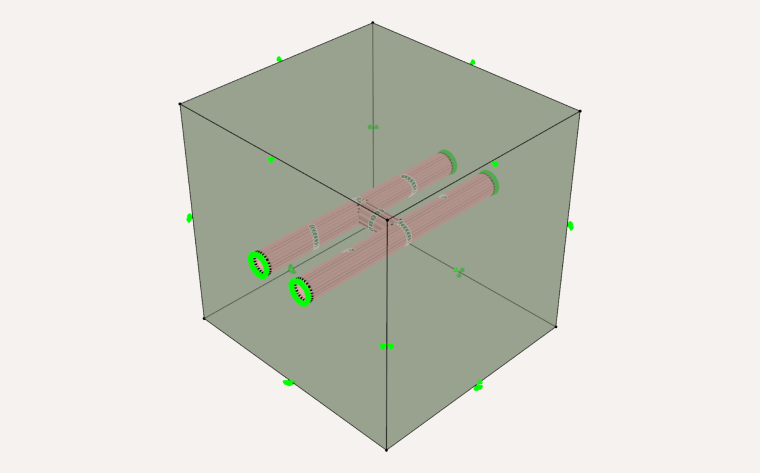
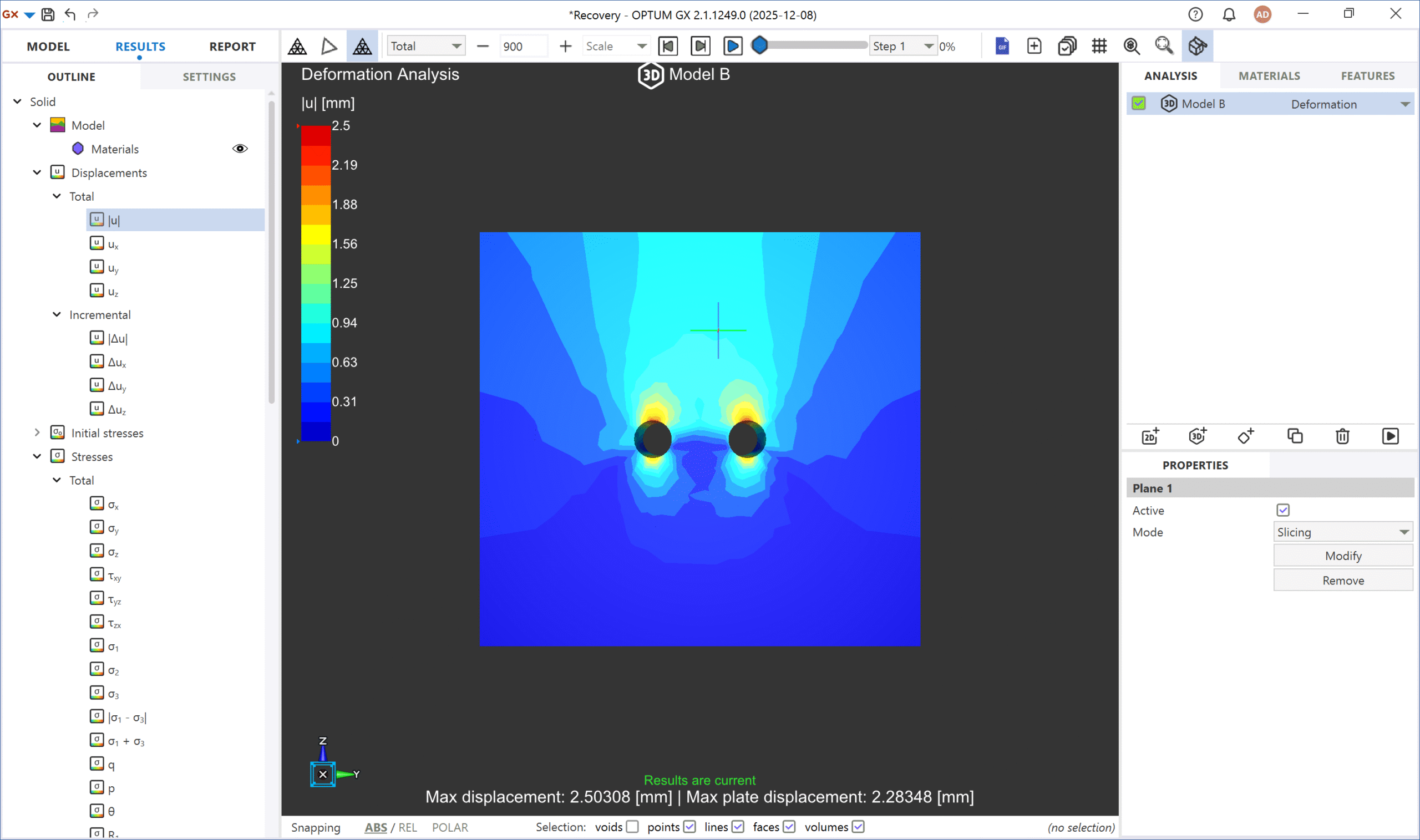
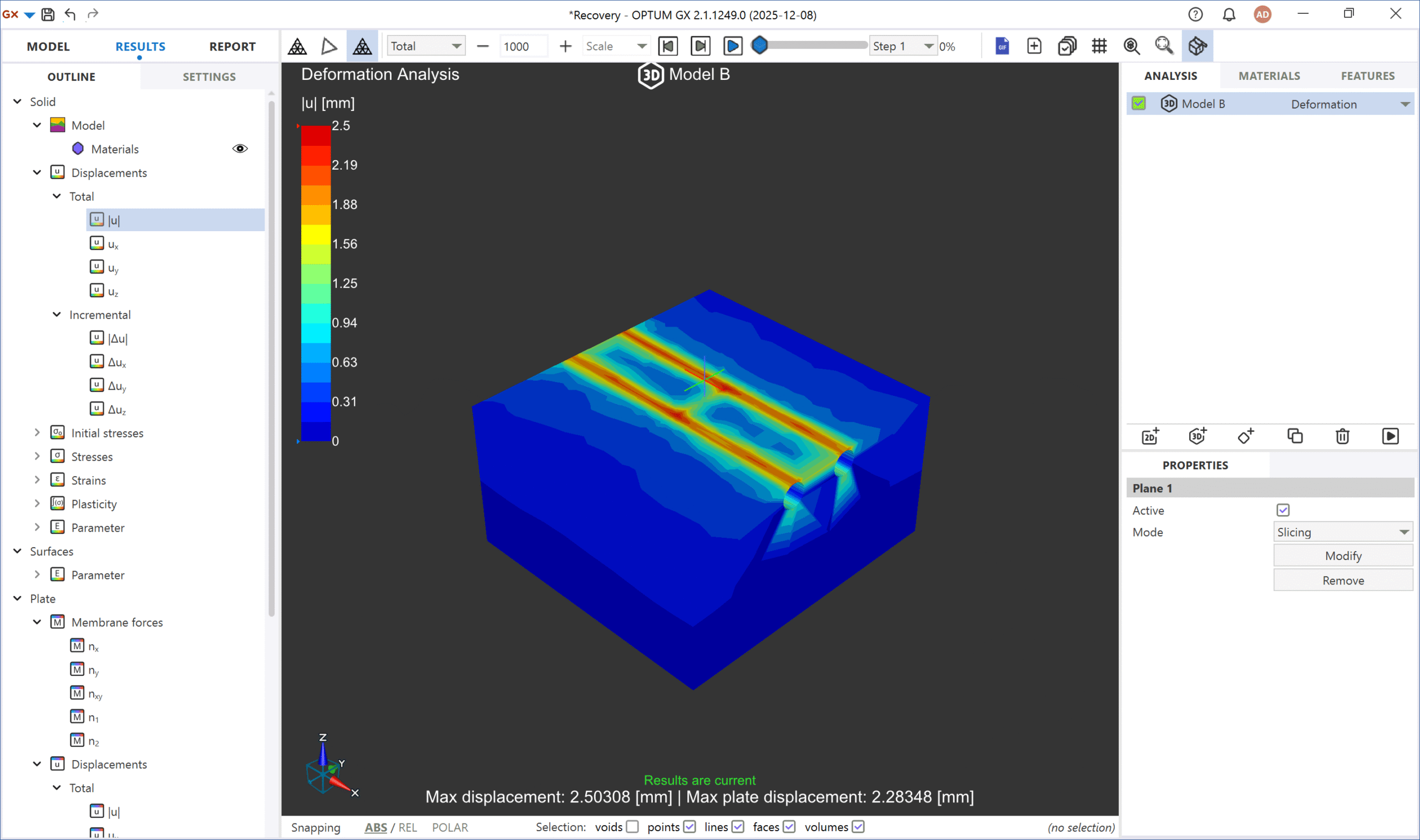
From NATM profiles to TBM-driven sections, our tunnel excavation software makes it easy to model lining behaviour, face pressure, and stability checks in both 2D and 3D.
OPTUM GX lets you analyse the same tunnel in both dimensions without rebuilding the model — giving engineers a clearer and more reliable understanding of its behaviour.Automated Safety Checks
Instantly compute safety factors, support loads, and deformation predictions with stable, optimisation-based solvers.- These capabilities help you deliver safer designs, ensure consistent results, and keep excavation projects on schedule and within budget.
Key Features in OPTUM GX

Detailed Earthwork Modelling
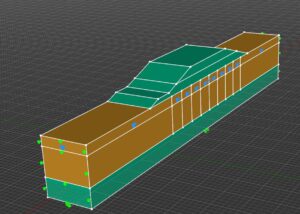
Build excavation geometries directly in OPTUM GX or import CAD profiles (e.g., DXF). Define soil layers, slopes, benches or bracing systems, and model staged construction in a straightforward workflow. Adjust excavation steps, sequencing, or support installation — and instantly switch between 2D and 3D to validate results, understand boundary effects, and capture realistic stress, deformation and pore-pressure behaviour.
Integrated Tunnel Analysis
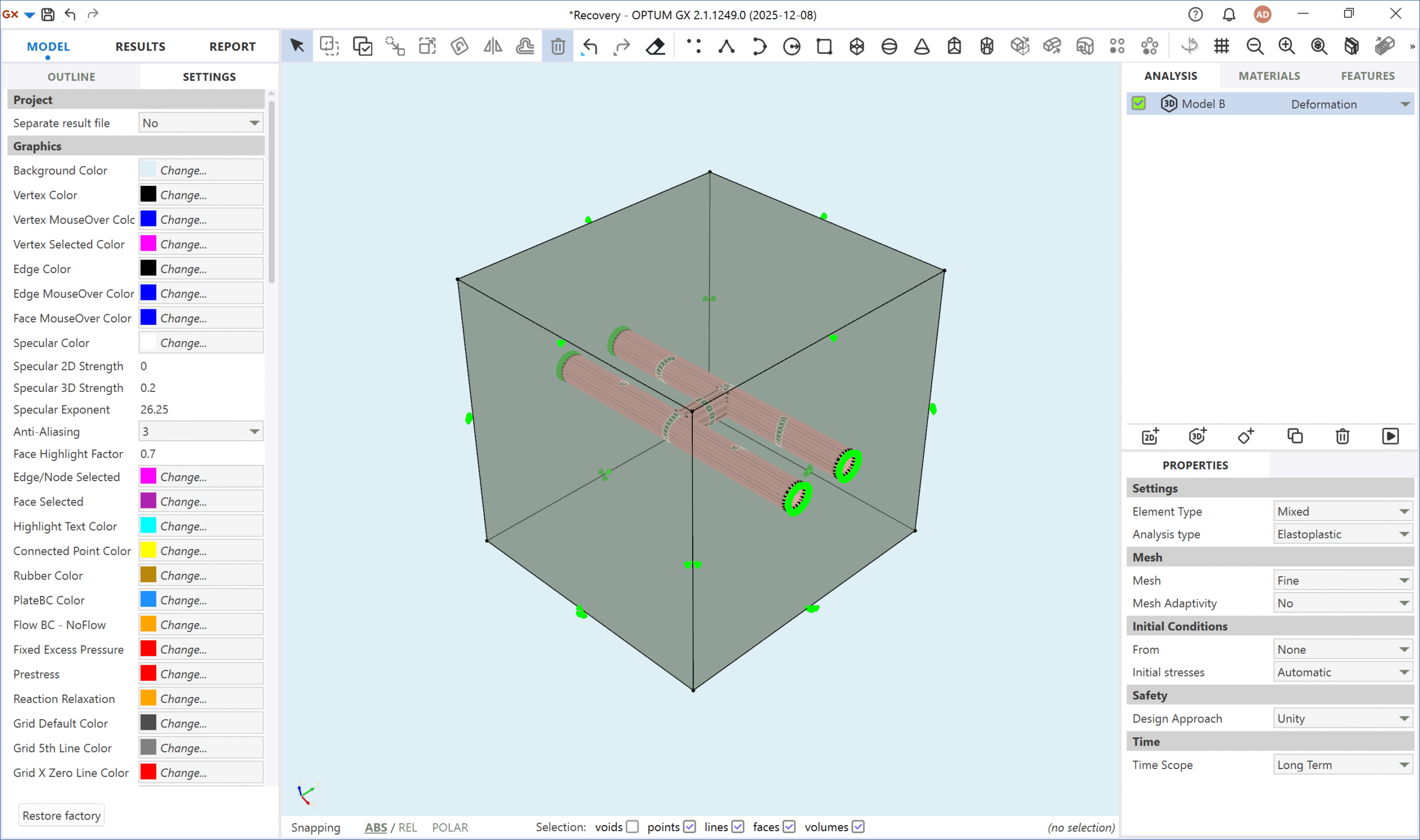
Set up circular, rectangular or custom tunnel geometries and apply lining systems or internal pressures. Staged excavation allows you to simulate advance steps and evaluate ground–structure interaction realistically. With OPTUM GX, you can compare 2D and 3D behaviour in seconds to verify stability and lining response — without iterative load stepping or mesh tuning.
Instant geotechnical reports
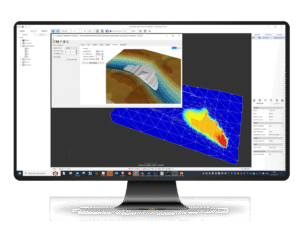
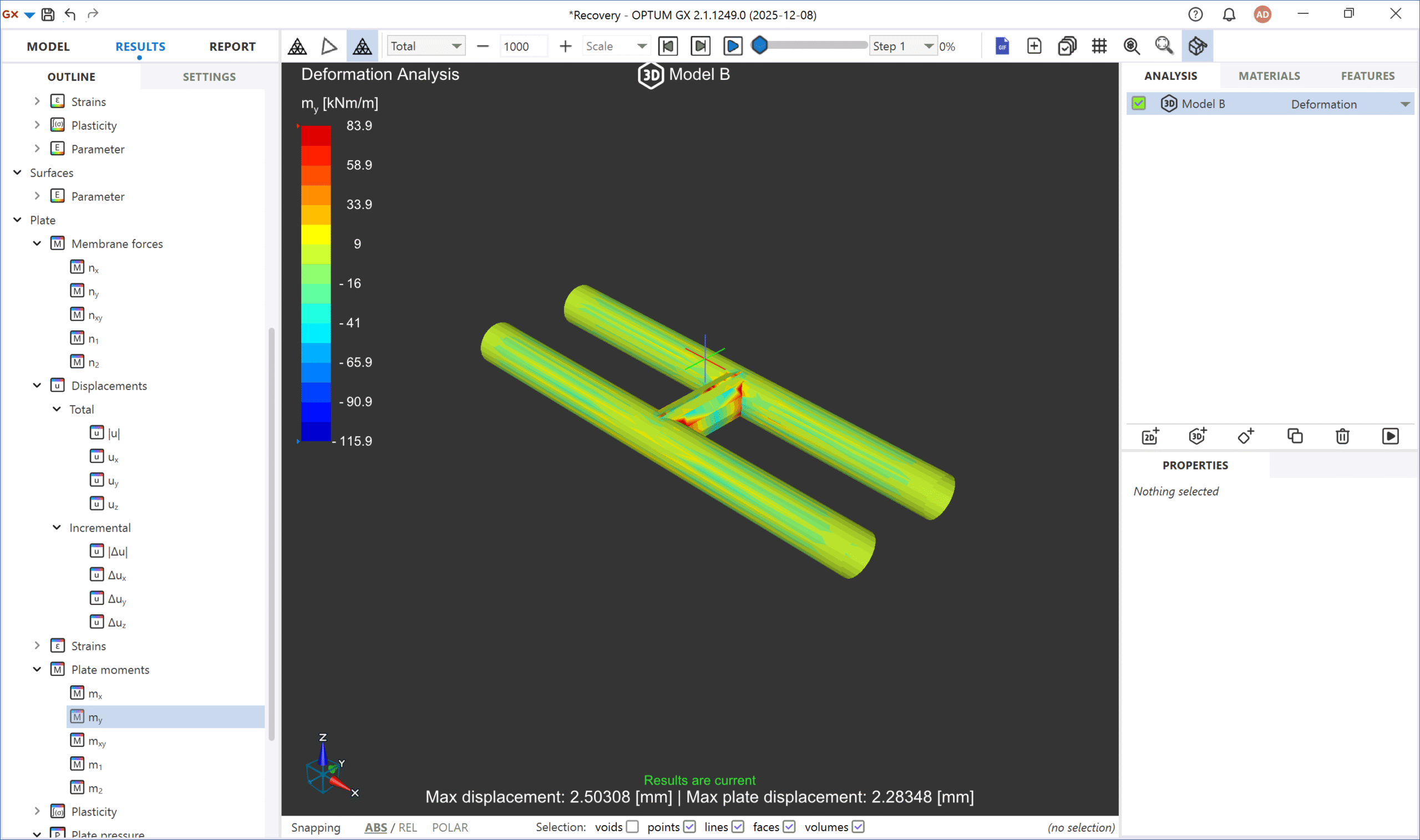
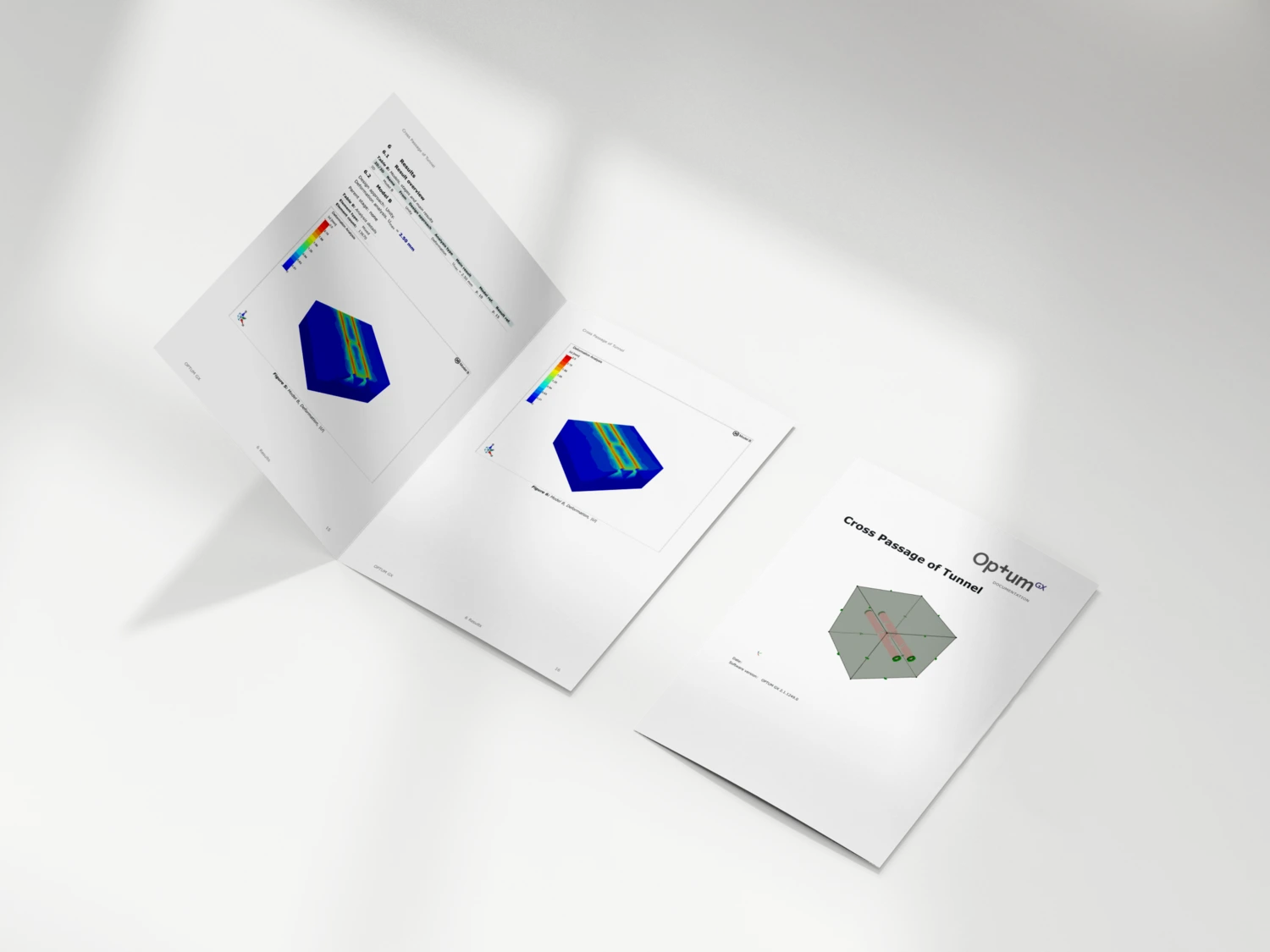
Produce high-quality PDF reports showing excavation stages, deformation fields, support reactions, pore-pressure changes, and computed safety factors. All plots and tables are generated
automatically — no screenshots, manual spreadsheets, or exported charts. This creates a transparent audit trail useful for internal QA, design reviews, and regulatory approval.


OPTUM GX
Try OPTUM GX Free
Ready to optimise your earthworks?
Download a full-feature trial of OPTUM GX — no credit card required.
Plan, stage, and model your first excavation project in minutes.
Click the download button, fill in a short form, install the software, and start analysing real 2D and 3D projects immediately. This excavation software trial includes FEM/FELA analysis, staged construction, tunnel modelling, groundwater flow, Python automation, and automated reporting.
Download Free Trial
OPTUM GX vs Other Excavation Tools
Most excavation software — such as Earthworks Software, HCSS, or Knowify’s G-Geo — focuses on quantities, geometry, or construction planning. These tools are useful for estimating volumes, schedules, and costs, but they do not provide geotechnical stress, deformation, or stability analysis.
General-purpose geotechnical FEM tools like PLAXIS, RS2/RS3, or GEO5 can model excavation behaviour, but often require manual meshing, iterative elastoplastic solvers, or separate 2D/3D environments.
OPTUM GX combines everything in one place:
a fast, optimisation-based FEM engine, fully integrated 2D/3D modelling, staged construction, groundwater flow, and direct ULS/SLS stability checks — without mesh tuning or numerical troubleshooting.
Frequently ASked Questions
Can’t find what you’re looking for? Contact us here.

Advanced Slope Stability Assessment through Reliability Analysis in OPTUM GX
August 4, 2026
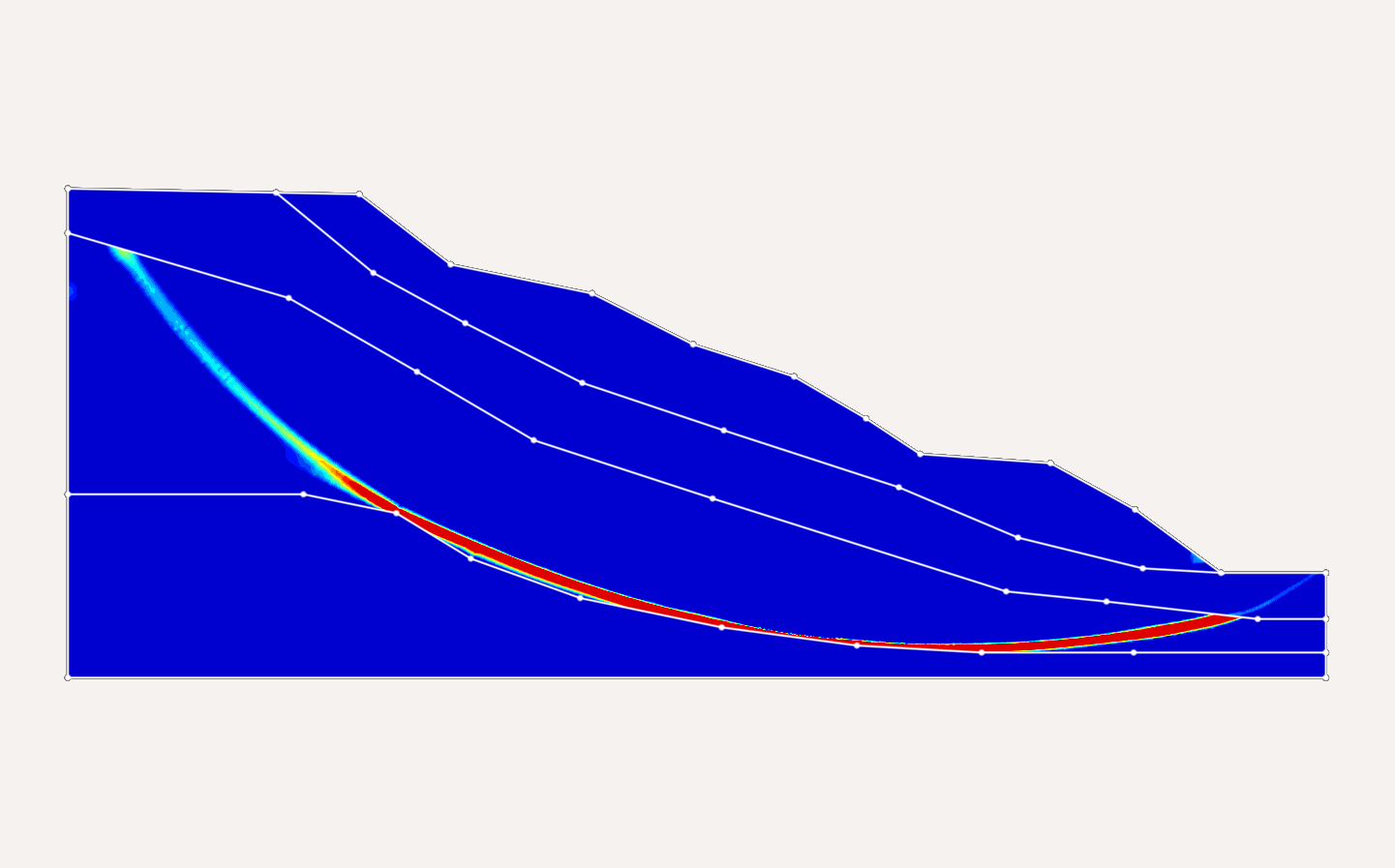
Determination of stability of slopes have been a major challenge in geotechnical engineering. Slopes that pass through the rigours analysis often fail due to several on-site uncertainties making it a...
Geotechnical
OPTUM GX
What is Finite Element Analysis?
February 3, 2026
Finite element analysis (FEA) is a numerical method that breaks a complex structure into many small “elements” to predict how it responds to loads, deformation, temperature changes and other physical...
FEA
Finite element analysis
Geotechnical
OPTUM GX
Micropile Design Software – FEM-Based Analysis in OPTUM GX
January 16, 2026
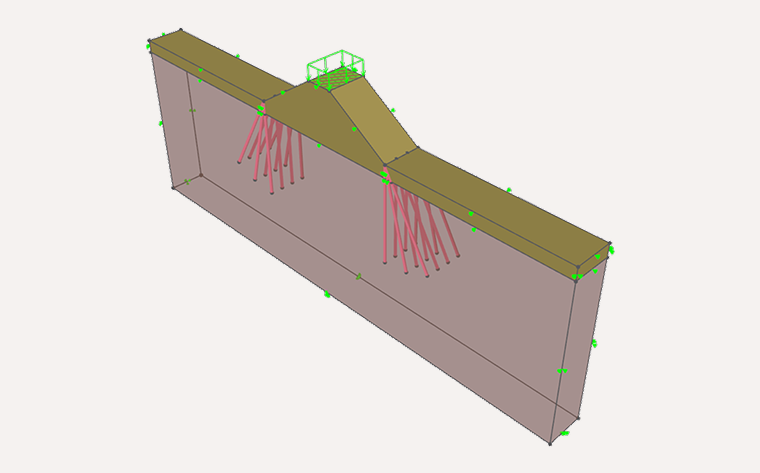
Micropile design software helps engineers analyse and assess small-diameter drilled piles(micropiles) used where access is restricted, ground conditions are challenging, or high loads mustbe transferred to deeper strata. Typical applications...
FEM
Geotechnical
load transfer
OPTUM GX
Parametric studies
settlement analysis
Sheet pile